Real World Use Case
Say you are building an application and you need a GUI but currently there are way too many options and way too many different ways of designing such a system.
You can compile different ideas with different styles and then compare and combine which is exactly what we did. First our research:
Web GUI Research
Favorites
Eldritch DEX: Windows 98 Reborn
Windows 98 Eldritch Liquidity Nexus
Windows 98 Eldritch Liquidity Nexus - AI Conversation - BIThub
Retro-Modern DeFi Liquidity Engine with Eldritch Core
Retro-Modern DeFi Liquidity Engine with Eldritch Core - AI Conversation - BIThub
Honorable Mentions
Uniswap 98 Liquidity Hub
Windows 98 DeFi Liquidity Aggregator
Windows 98 DeFi Liquidity Aggregator - AI Conversation - BIThub
Win98 Liquidity Flow Pixel Interface
Win98 Liquidity Flow Pixel Interface - AI Conversation - BIThub
COREDEX Retro-Modern Liquidity Router
COREDEX Retro-Modern Liquidity Router - AI Conversation - BIThub
COREDEX Retro-Futuristic DeFi Liquidity Hub
COREDEX Retro-Futuristic DeFi Liquidity Hub - AI Conversation - BIThub
DeFi Eldritch Win98 HyperDex Masterpiece
DeFi Eldritch Win98 HyperDex Masterpiece - AI Conversation - BIThub
Windows 98 Eldritch Core DEX
EldritchCore HyperDex: Retro Liquidity Nexus
EldritchCore HyperDex: Retro Liquidity Nexus - AI Conversation - BIThub
Nostalgic Modern DeFi Liquidity Hub
Nostalgic Modern DeFi Liquidity Hub - AI Conversation - BIThub
Eldritch Next Generation Win98 DeFi Liquidity Aggregator
Eldritch Next Generation Win98 DeFi Liquidity Aggregator - AI Conversation - BIThub
Win98 DeFi Liquidity Platform
Eldritch Dial-Up DEX Masterpiece
Post - Research
After conducting research on different web GUIs and styles we picked the best ones and told the AI to merge them together into a cohesive idea that works fluidly.
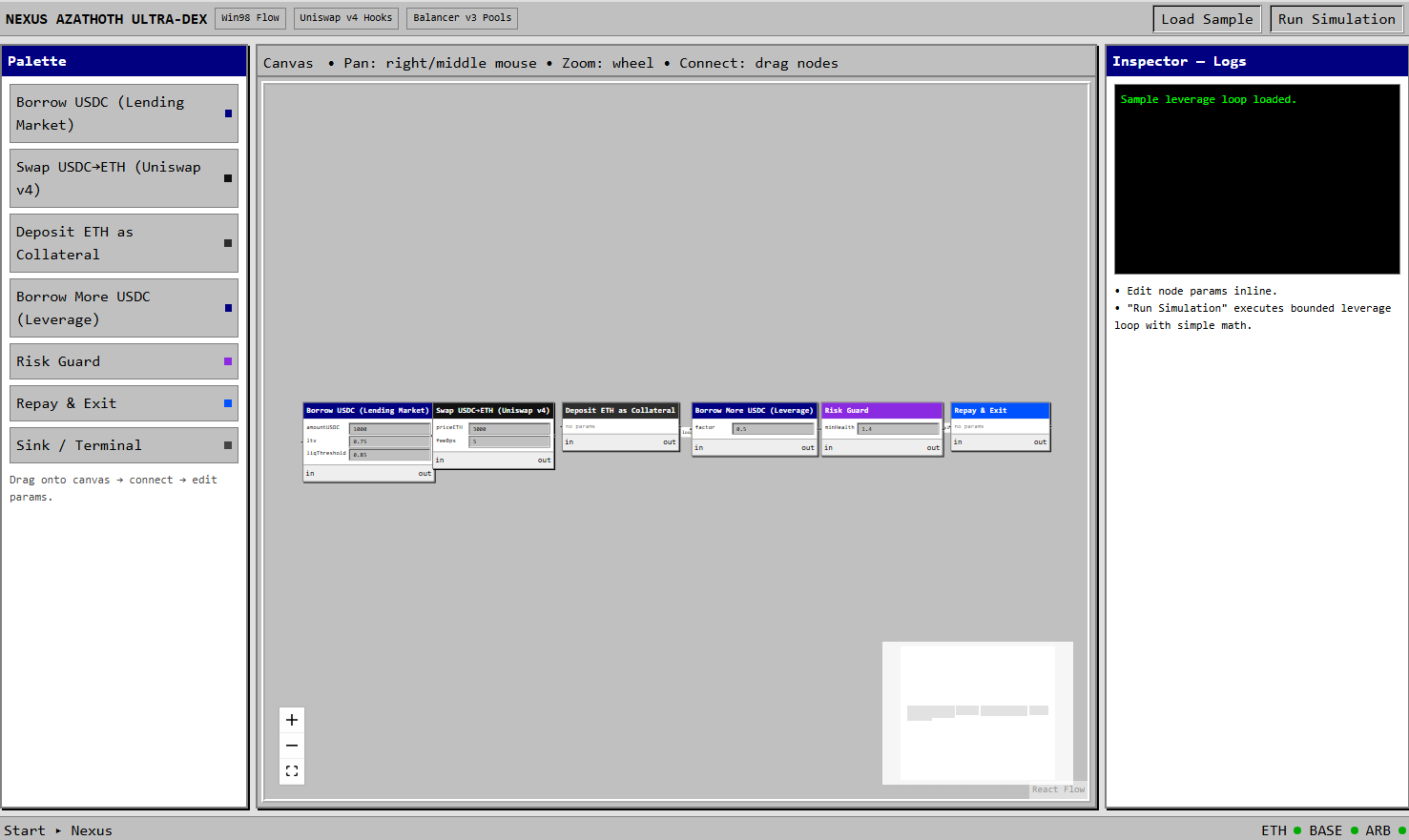
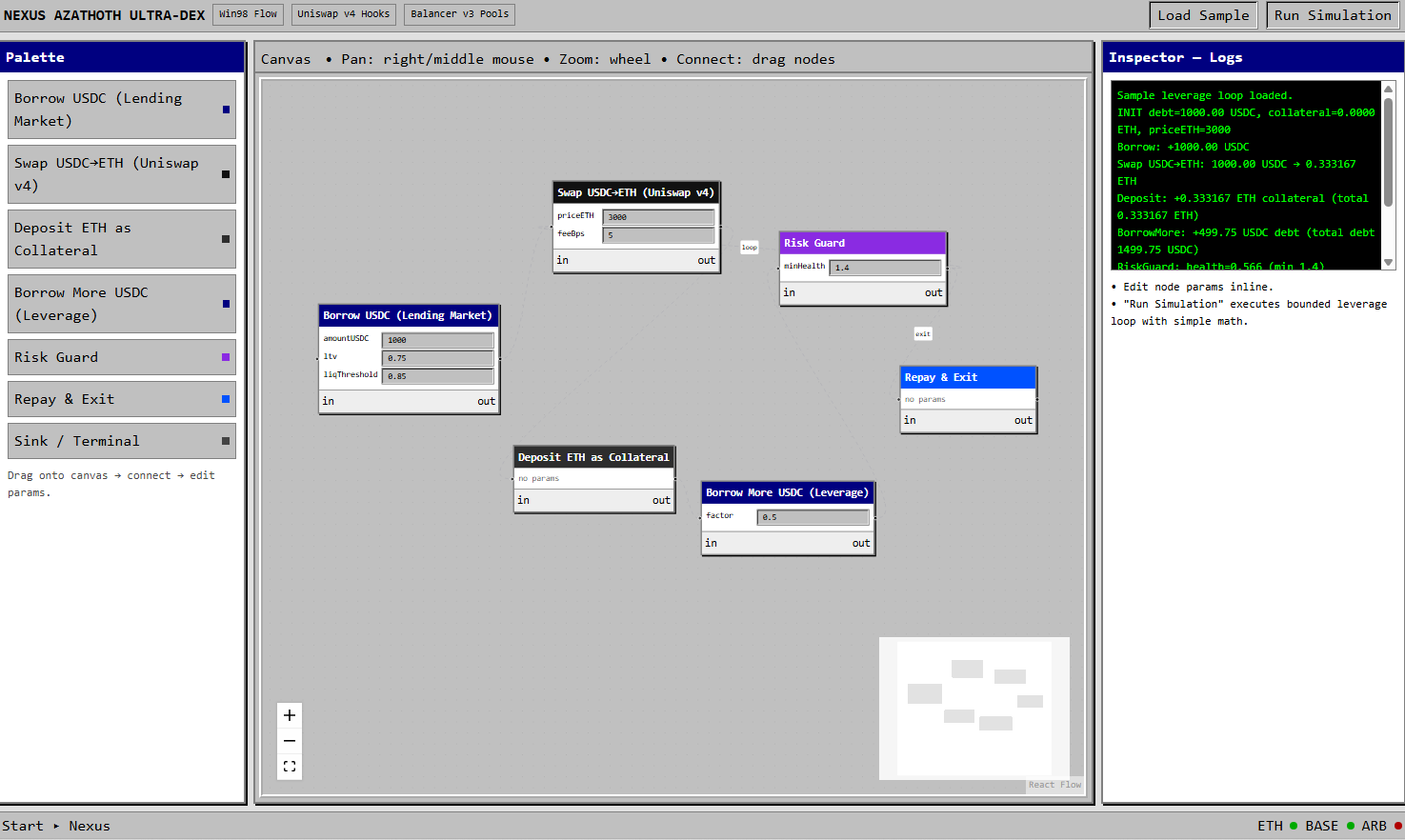
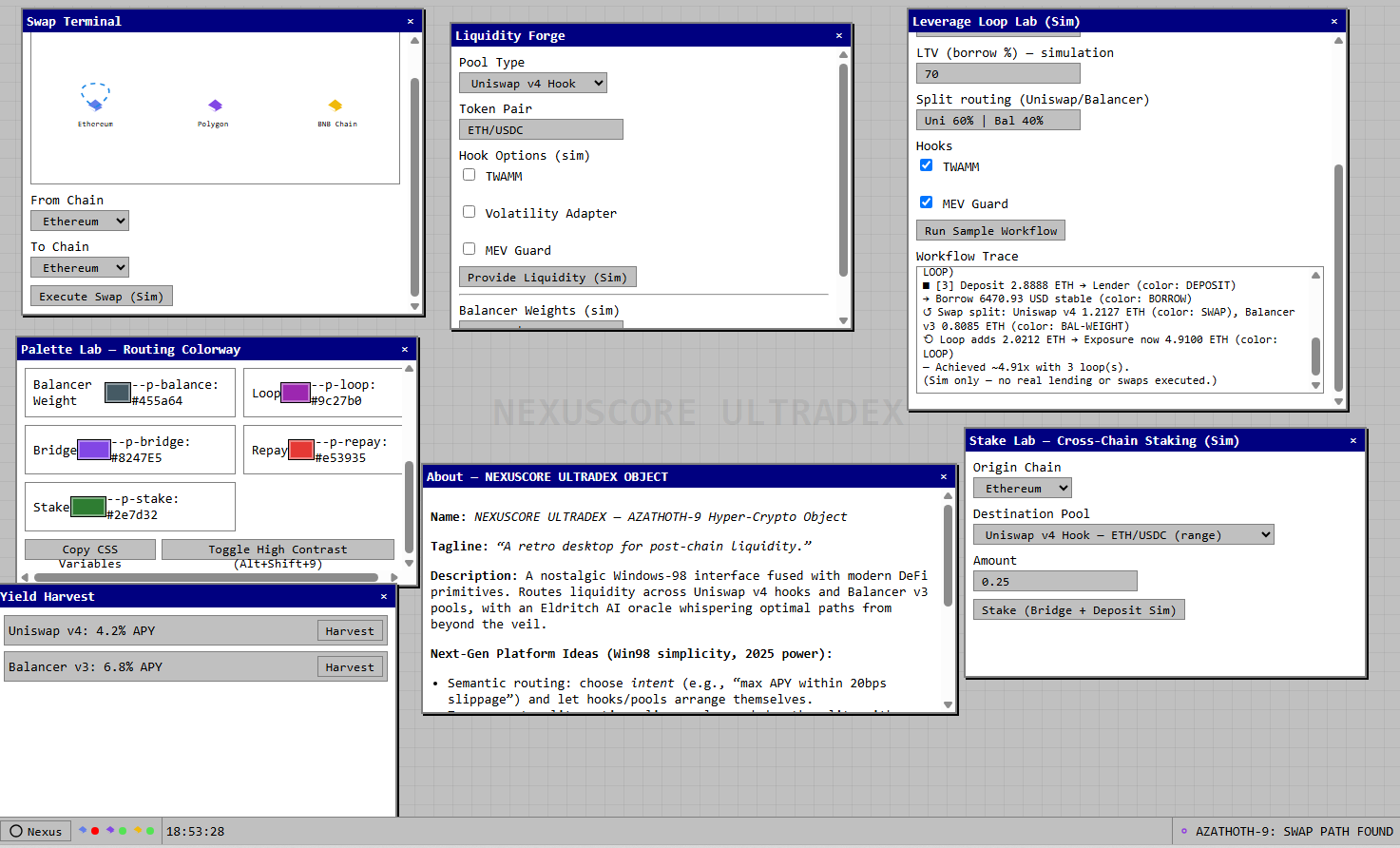
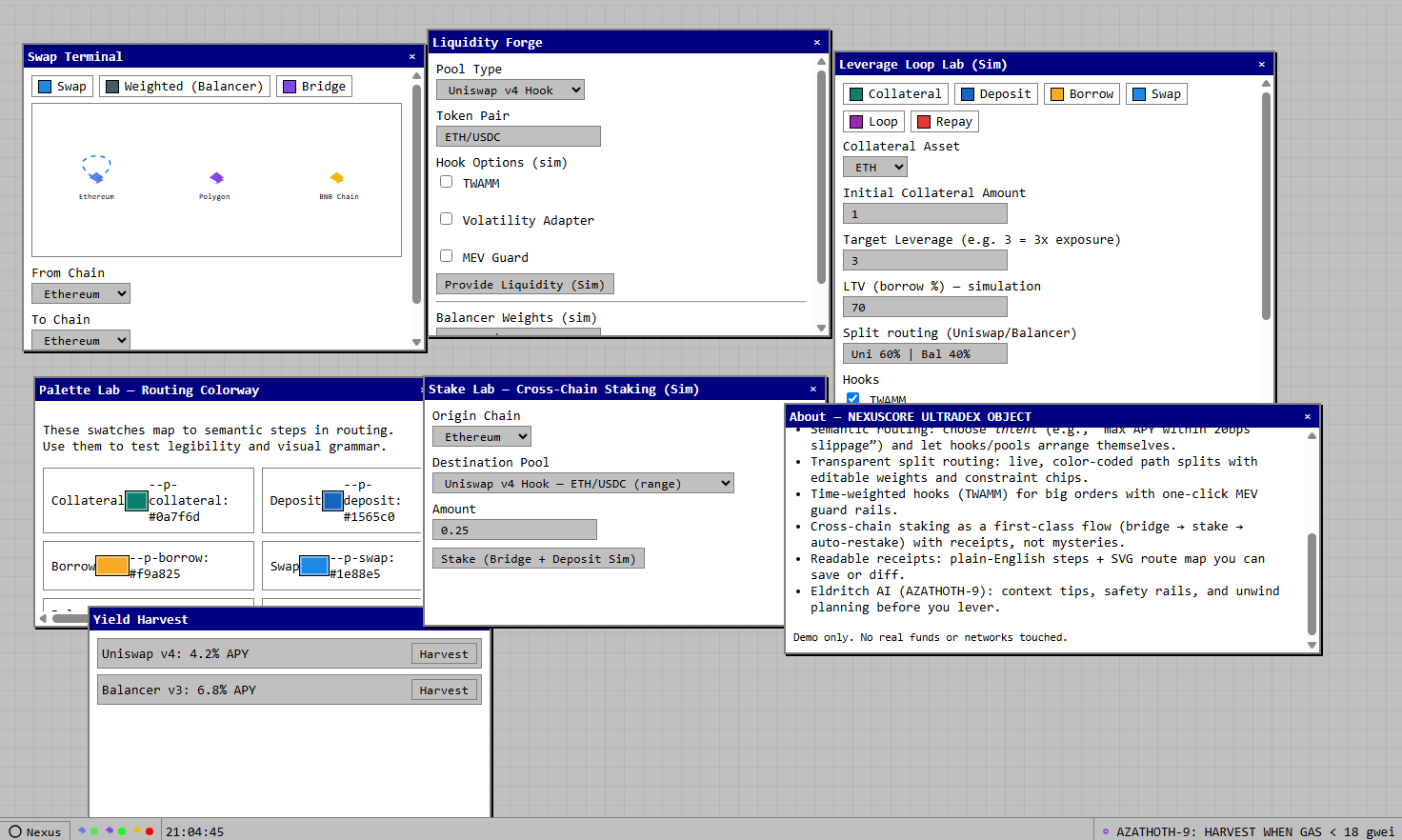
After more careful prompt engineering and having a much better idea of the GUI we wanted we choose a high reasoning models and got these result using different constructs. Version 1 is a standard model and Version 2 is one of our CORE constructs. Both versions used the same prompt.
For these two versions we did not use web artifacts since we changed the framework to accommodate advanced GUI features based on our designs.
Version 1
Version 2
Brainstorm Process Flow 
You can reuse this process flow and instead of sending the same prompt you can send more modular refined prompts until you can find what it is that you are building and the overall design flow of the platform you are building.
%%{init: {
  "theme": "base",
  "themeVariables": {
    "primaryColor": "#c0c0c0",
    "primaryTextColor": "#000000",
    "primaryBorderColor": "#000000",
    "secondaryColor": "#d4d0c8",
    "lineColor": "#000000",
    "fontFamily": "Tahoma, Verdana, Segoe UI, sans-serif",
    "fontSize": "12px"
  },
  "flowchart": { "curve": "linear", "rankSpacing": 40, "nodeSpacing": 28 }
}}%%
flowchart LR
  subgraph W["Brainstrom Process"]
    direction LR
    A["Idea / Requirement"]:::win98 --> B["Research Designs"]:::win98 --> C["Combine / Synthesize"]:::win98 --> D["Return to Devs & Engineers"]:::win98
  end

  classDef win98 fill:#c0c0c0,stroke:#000000,stroke-width:1px,color:#000000;
  style W fill:#d4d0c8,stroke:#000000,stroke-width:1px,color:#000000;
  linkStyle default stroke:#000000,stroke-width:1px;