Obsidian-Style Callout Formatting
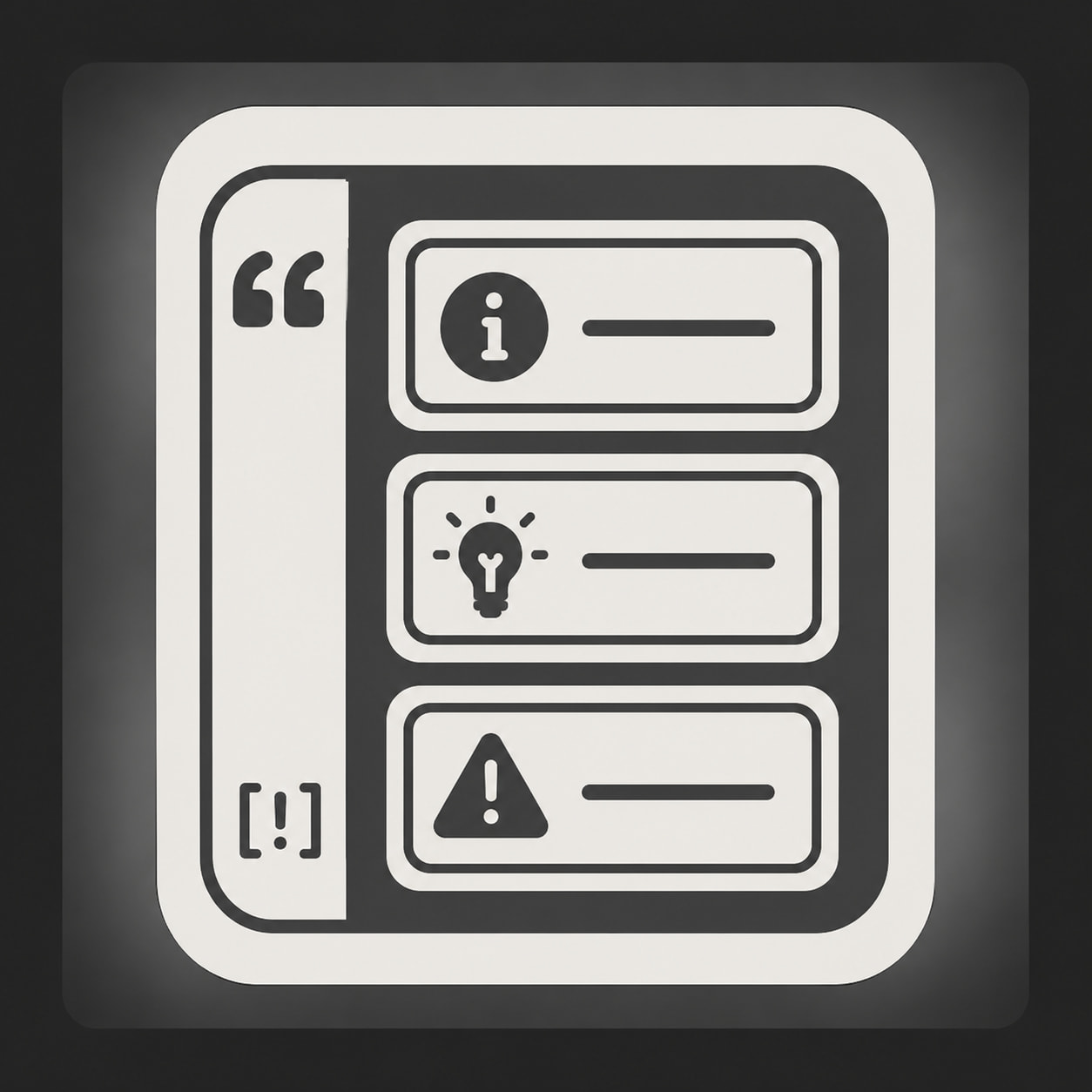
Obsidian-style callouts let you turn normal blockquotes into styled information boxes.
Use them for notes, warnings, examples, summaries, questions, errors, tips, and reusable guide sections.
This format works through the Discourse Quote Callouts theme component, which adds Obsidian-style callouts to Discourse as an alternative to plain markdown quotes. The syntax is based on placing [!type] on the first line of a blockquote. The type identifier is case-insensitive, unsupported types fall back to note, and the default types can be customized through the component settings.
Basic Syntax
Use this format:
> [!note]> This is a note.
Rendered meaning:
[!note]
This is a note.
The first line defines the callout type.
The following quoted lines become the callout body.
Custom Titles
Add custom title text after the callout type:
> [!tip] Better Posting> Keep guides short, structured, and easy to scan.
Rendered meaning:
[!tip] Better Posting
Keep guides short, structured, and easy to scan.
By default, the title uses the callout type. A custom title overrides that label.
Title-Only Callouts
A callout can contain only a title:
> [!success] Solved.
[!success] Solved.
Use title-only callouts for compact status markers.
Foldable Callouts
Use + or - after the callout type.
Expanded by default:
> [!todo]+ Open Checklist>> - [x] Draft guide> - [ ] Review formatting> - [ ] Publish
[!todo]+ Open Checklist
- Draft guide
- Review formatting
- Publish
Collapsed by default:
> [!todo]- Hidden Checklist>> - [x] Draft guide> - [ ] Review formatting> - [ ] Publish
[!todo]- Hidden Checklist
- Draft guide
- Review formatting
- Publish
+ means open by default.
- means collapsed by default.
Nested Callouts
Callouts can be nested by adding more quote markers:
> [!question] Can callouts be nested?>> > [!todo] Yes.> > Use another `>` level inside the parent callout.> >> > > [!example] Deep Nesting> > > This is a third-level callout.
[!question] Can callouts be nested?
[!todo] Yes.
Use another>level inside the parent callout.[!example] Deep Nesting
This is a third-level callout.
Use nesting rarely. Deep nesting can become hard to read.
Supported Callout Types
| Type | Use |
|---|---|
note |
General notes |
abstract |
Summary, overview, TLDR |
info |
Informational detail |
todo |
Task lists |
tip |
Helpful advice |
success |
Completed / solved / approved |
question |
FAQ / open question |
warning |
Warning / caution |
failure |
Failed attempt / missing item |
danger |
Serious risk / error |
bug |
Bug report / known issue |
example |
Example block |
quote |
Citation / quoted material |
Aliases are supported for several types. Examples: summary or tldr for abstract; hint or important for tip; check or done for success; help or faq for question; caution or attention for warning; fail or missing for failure; error for danger; and cite for quote.
Rendered Type Examples
> [!note] Note> Use for general notes and neutral information.
[!note] Note
Use for general notes and neutral information.
> [!abstract] Abstract> Use for summaries, overviews, and TLDR sections.
[!abstract] Abstract
Use for summaries, overviews, and TLDR sections.
> [!info] Info> Use for factual context or extra details.
[!info] Info
Use for factual context or extra details.
> [!todo] Todo>> - [ ] Add task> - [ ] Review task> - [ ] Complete task
[!todo] Todo
- Add task
- Review task
- Complete task
> [!tip] Tip> Use for practical advice or helpful recommendations.
[!tip] Tip
Use for practical advice or helpful recommendations.
> [!success] Success> Use for completed, approved, or solved items.
[!success] Success
Use for completed, approved, or solved items.
> [!question] Question> Use for FAQs, open questions, and decision prompts.
[!question] Question
Use for FAQs, open questions, and decision prompts.
> [!warning] Warning> Use for caution, limits, or actions that need care.
[!warning] Warning
Use for caution, limits, or actions that need care.
> [!failure] Failure> Use for failed attempts, missing pieces, or blocked work.
[!failure] Failure
Use for failed attempts, missing pieces, or blocked work.
> [!danger] Danger> Use for serious risks, errors, or unsafe actions.
[!danger] Danger
Use for serious risks, errors, or unsafe actions.
> [!bug] Bug> Use for bugs, defects, regressions, or known issues.
[!bug] Bug
Use for bugs, defects, regressions, or known issues.
> [!example] Example> Use for examples, templates, and sample outputs.
[!example] Example
Use for examples, templates, and sample outputs.
> [!quote] Quote> Use for quoted material, citations, or source excerpts.
[!quote] Quote
Use for quoted material, citations, or source excerpts.
Common BIThub Patterns
Summary
> [!abstract] Summary> This topic explains how to format callouts inside BIThub posts.
[!abstract] Summary
This topic explains how to format callouts inside BIThub posts.
Important Note
> [!tip] Important> Use callouts to emphasize structure, not to decorate every paragraph.
[!tip] Important
Use callouts to emphasize structure, not to decorate every paragraph.
Warning
> [!warning] Check Before Publishing> Preview the post before saving. Broken quote spacing can break the callout.
[!warning] Check Before Publishing
Preview the post before saving. Broken quote spacing can break the callout.
Error
> [!danger] Do Not Post Secrets> Never place private keys, passwords, recovery phrases, or sensitive credentials in forum posts.
[!danger] Do Not Post Secrets
Never place private keys, passwords, recovery phrases, or sensitive credentials in forum posts.
Example
> [!example] Good Use> Use one callout to summarize a section before detailed instructions.
[!example] Good Use
Use one callout to summarize a section before detailed instructions.
FAQ
> [!question] Does this replace headings?> No. Use headings for structure. Use callouts for emphasis.
[!question] Does this replace headings?
No. Use headings for structure. Use callouts for emphasis.
Formatting Rules
Use this:
> [!info] Clear Title> Body text goes here.
[!info] Clear Title
Body text goes here.
Not this:
>[!info]Bad spacing>Body text
Best practice:
> [!note] Title>> Use a blank quoted line between title and body when the body contains lists, code blocks, or multiple paragraphs.
[!note] Title
Use a blank quoted line between title and body when the body contains lists, code blocks, or multiple paragraphs.
For lists:
> [!todo] Setup Tasks>> - Install the theme component.> - Test callouts in preview.> - Publish the guide.
[!todo] Setup Tasks
- Install the theme component.
- Test callouts in preview.
- Publish the guide.
For code:
> [!example] Code Example>> ```md> > [!tip]> > This is a callout.> ```
Rendered meaning:
[!example] Code Example
> [!tip]> This is a callout.
When To Use Callouts
Use callouts for:
- summaries
- warnings
- key notes
- examples
- FAQs
- errors
- task blocks
- expandable reference sections
Avoid callouts for:
- every paragraph
- normal body text
- decorative filler
- long nested explanations
- replacing the full topic structure
Callouts should improve scanning. They should not make the post visually noisy.
Recommended BIThub Style
Use these as defaults:
| Purpose | Type |
|---|---|
| Short summary | abstract |
| General note | note |
| User instruction | info |
| Helpful recommendation | tip |
| Warning | warning |
| Serious risk | danger |
| Known issue | bug |
| Example | example |
| FAQ | question |
| Checklist | todo |
| Completed item | success |
| Quoted source | quote |