BIThub Participation Framework
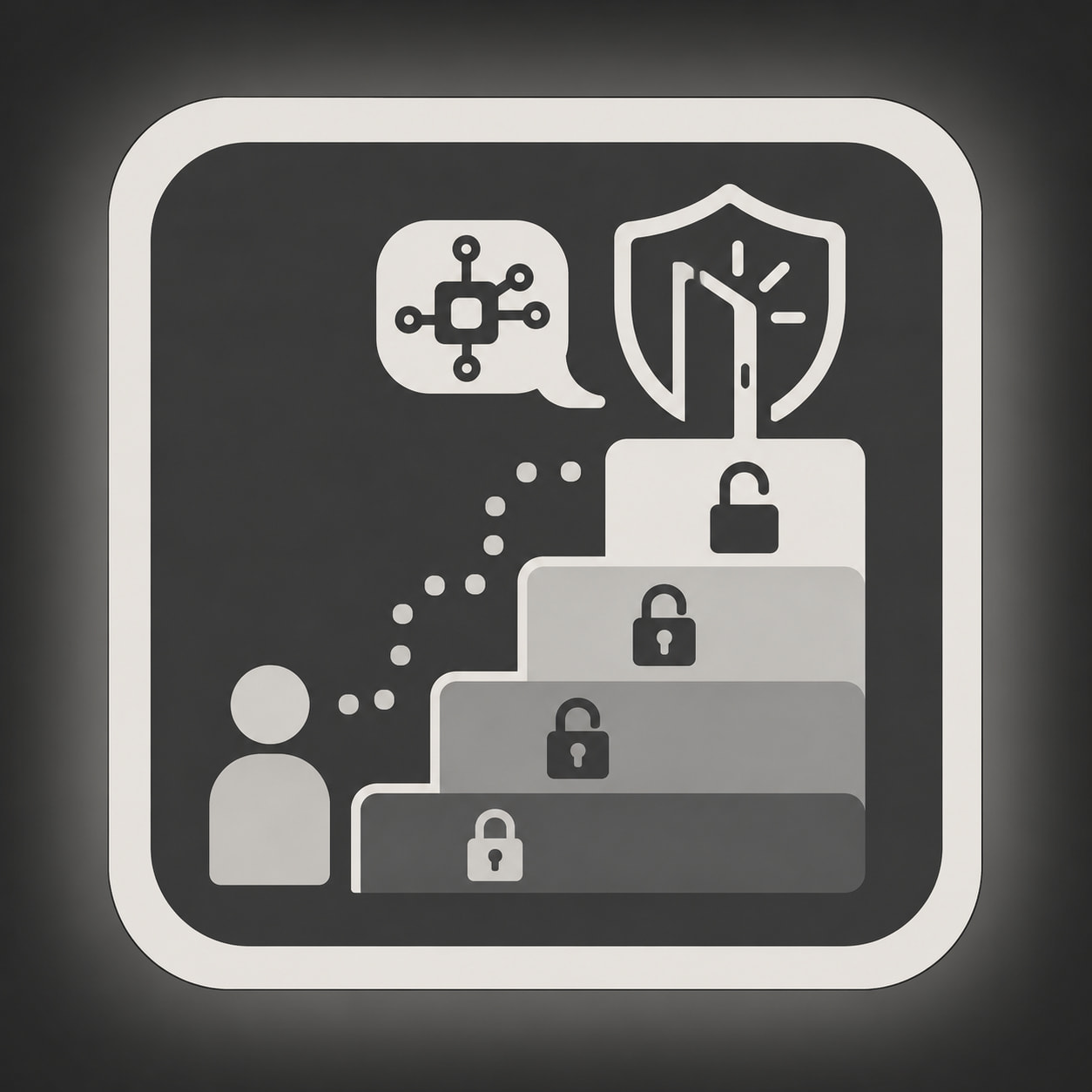
BIThub uses progressive access.
New users start with fewer permissions. This keeps the platform readable, reduces spam, protects advanced tools, and prevents new users from being overwhelmed.
As users read, participate, and build trust, more features become available.
How Participation Works

BIThub runs on a trust-level system.
Trust levels are Discourse’s built-in way to onboard users gradually. New accounts start with limits. Active and reliable users gain more permissions over time.
In BIThub, trust levels may affect:
- posting
- replying
- private messages
- uploads
- category access
- AI access
- model access
- tool access
- marketplace access
- workflow access
Some permissions are also controlled by groups, subscriptions, staff roles, and alpha-stage limits.
Public Users
Public users can view selected public areas.
Public access may include:
- public guides
- public reference topics
- open discussions
- selected demos
- selected free tools when enabled
Public users do not receive full member access.
Logged-In Users
Logged-in users have accounts.
They can begin participating, reading topics, replying where allowed, and moving through trust levels.
The purpose is not to block serious users.
The purpose is progressive disclosure: show users the system in stages instead of exposing every AI feature, category, tool, and workflow at once.
Trust Levels
Trust Level 0 — New User
This is the starting level.
Use this stage to read guides, understand the platform, and learn the basic posting norms.
Access is limited.
Typical limits may affect posting, links, images, uploads, private messages, mentions, and advanced features.
Trust Level 1 — Basic User
This is the basic participation level.
Users who spend time reading and learning the platform may reach this level.
BIThub may use this level as the starting point for basic AI access, private messages, and normal community participation.
Trust Level 2 — Member
This level is for users with more sustained participation.
BIThub may use this level for stronger access to member categories, better models, selected Constructs, tools, and workflows.
Trust Level 3 — Regular
This level is for trusted regulars.
BIThub may use this level for broader posting access, stronger moderation signals, advanced public AI features, and higher-trust collaboration spaces.
Staff and Special Roles
Staff, moderators, operators, alpha testers, and special groups may have additional permissions.
These are assigned manually when needed.
Groups and Membership
Trust levels are not the only permission layer.
BIThub may also use groups for:
- member access
- alpha tester access
- contributor access
- private category access
- AI feature access
- tool access
- marketplace access
- staff operations
Groups allow specific permissions without forcing every user into the same trust-level path.
AI Access
BIThub AI access may depend on trust level, group membership, subscription status, quota, and alpha availability.
Private messages are the simplest way to use BIThub AI.
Some AI Constructs have tools. Tool access depends on the agent and current permissions.
Read more:
Marketplace Access
Marketplace posting is not automatic for every account.
Marketplace or promotional posting may depend on member status, trust level, category rules, moderation, anti-spam limits, and current alpha permissions.
Why Access Is Gradual
BIThub has more moving parts than a normal forum.
Users may encounter public topics, private topics, AI Constructs, tools, Nodes, CORE workflows, Workspaces, uploads, marketplace areas, and knowledge-base references.
Progressive access keeps onboarding manageable.
Read first. Participate next. Use advanced features when ready.
Related Guides
- Getting Started with BIThub AI
- BIThub Alpha Limits
- About the Guides category
- Understanding Discourse Trust Levels